
VirtualCallboard feature
The whole callboard, in your pocket
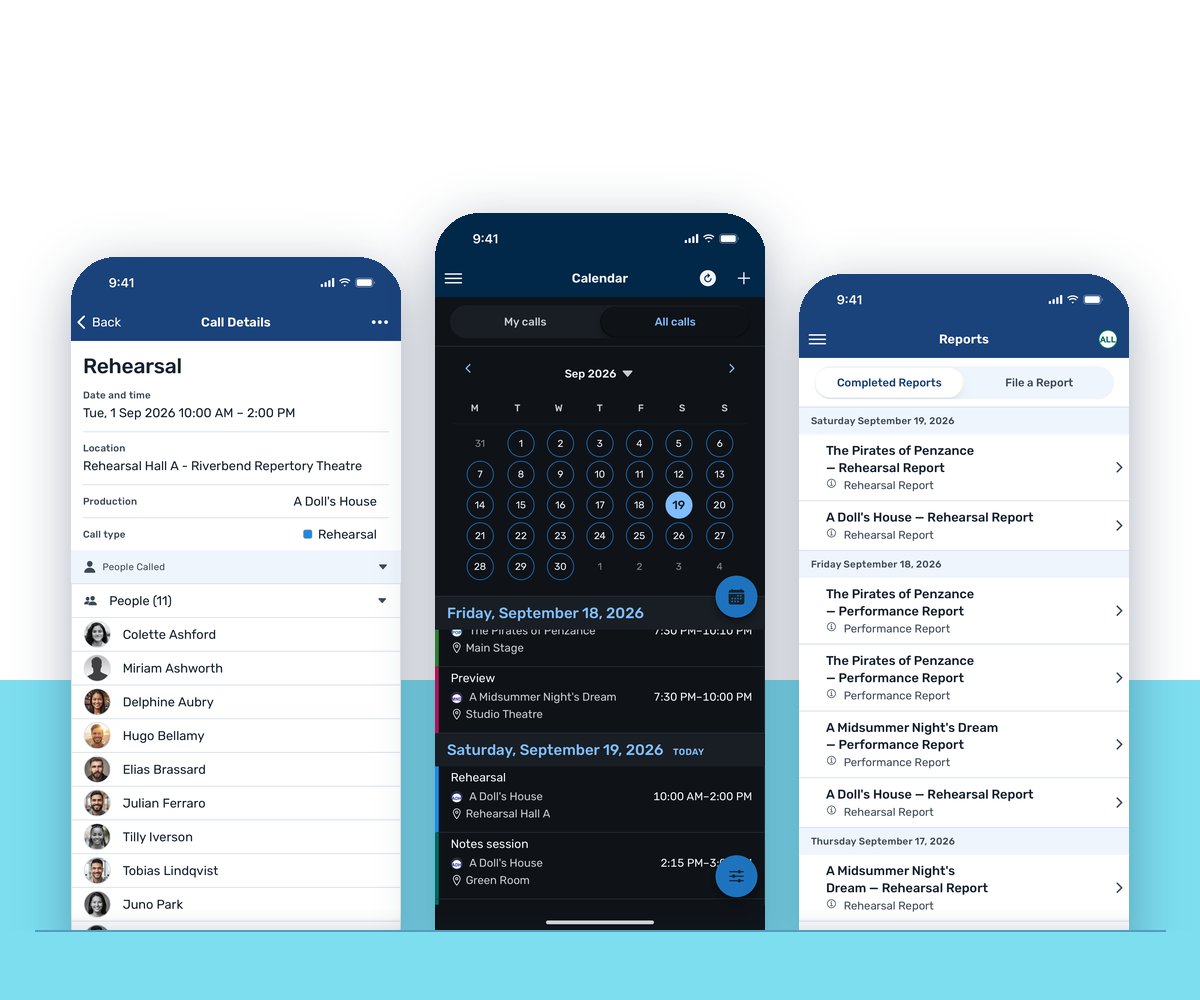
Nobody opens a laptop between a fitting and a run-through. The VirtualCallboard app for iPhone and Android puts the schedule, notes, reports and contacts on your company’s phones, and sends a push notification when something changes.
Trusted by theaters, schools and arts organizations since 2006.
How it works
1. Get the app
Download VirtualCallboard from the App Store or Google Play. It’s optional for everyone.
2. Find your callboard
Enter your site name, the first part of your callboard’s web address, and sign in with your usual account.
3. Stay on call
Your calls are there when you open it, and push notifications tell you when something new goes out.
The schedule, the way you want to see it
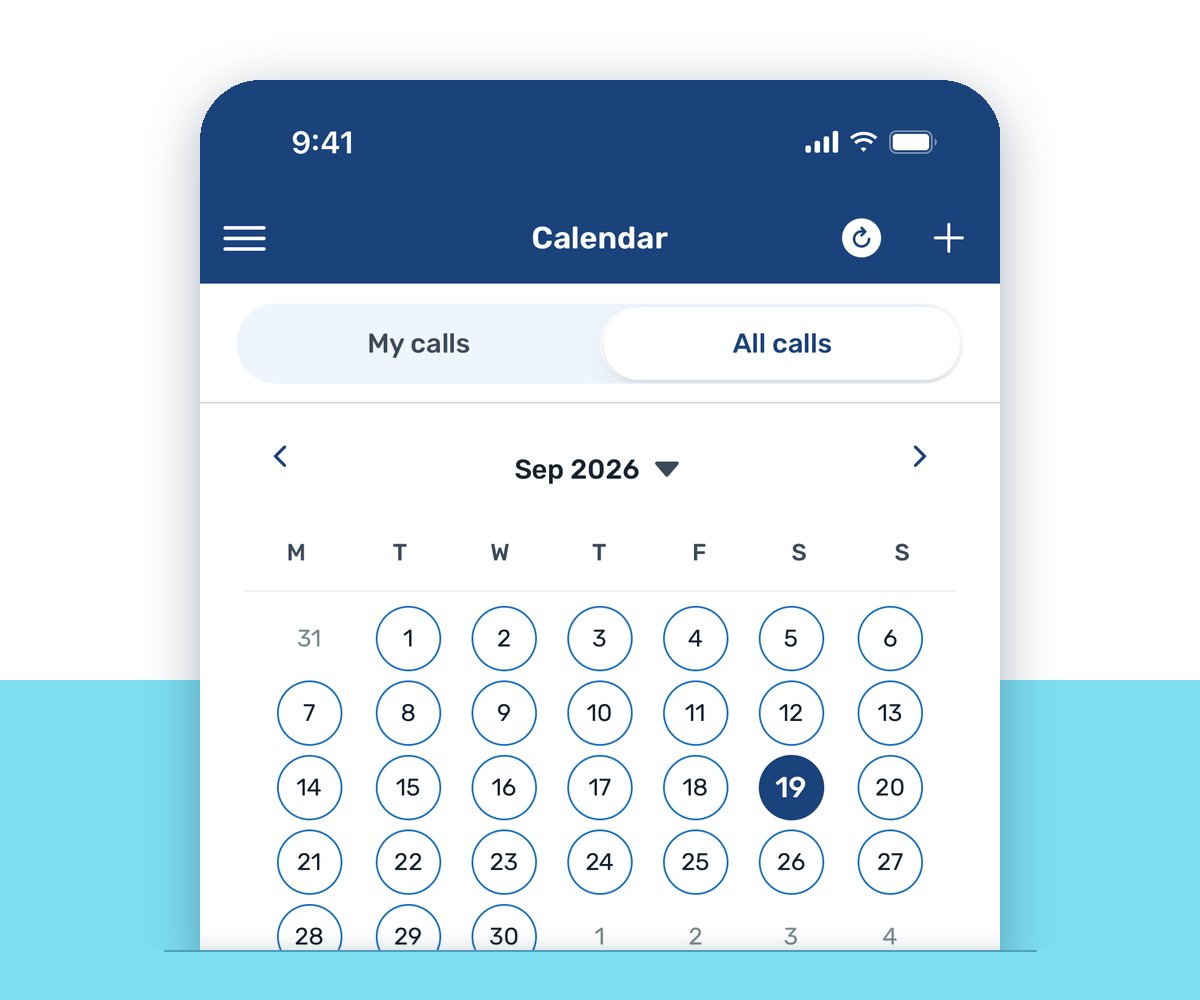
The app shows your calls on a calendar or as a schedule list. Switch between My calls and All calls, and filter by production, call type or space when you only need part of the picture. When a manager posts an open call, people can sign up for it from the app as well as the website.
The app also keeps notes, reports and contacts close at hand, so the stage manager’s phone list is with you at the load-in.
Push notifications, on your terms
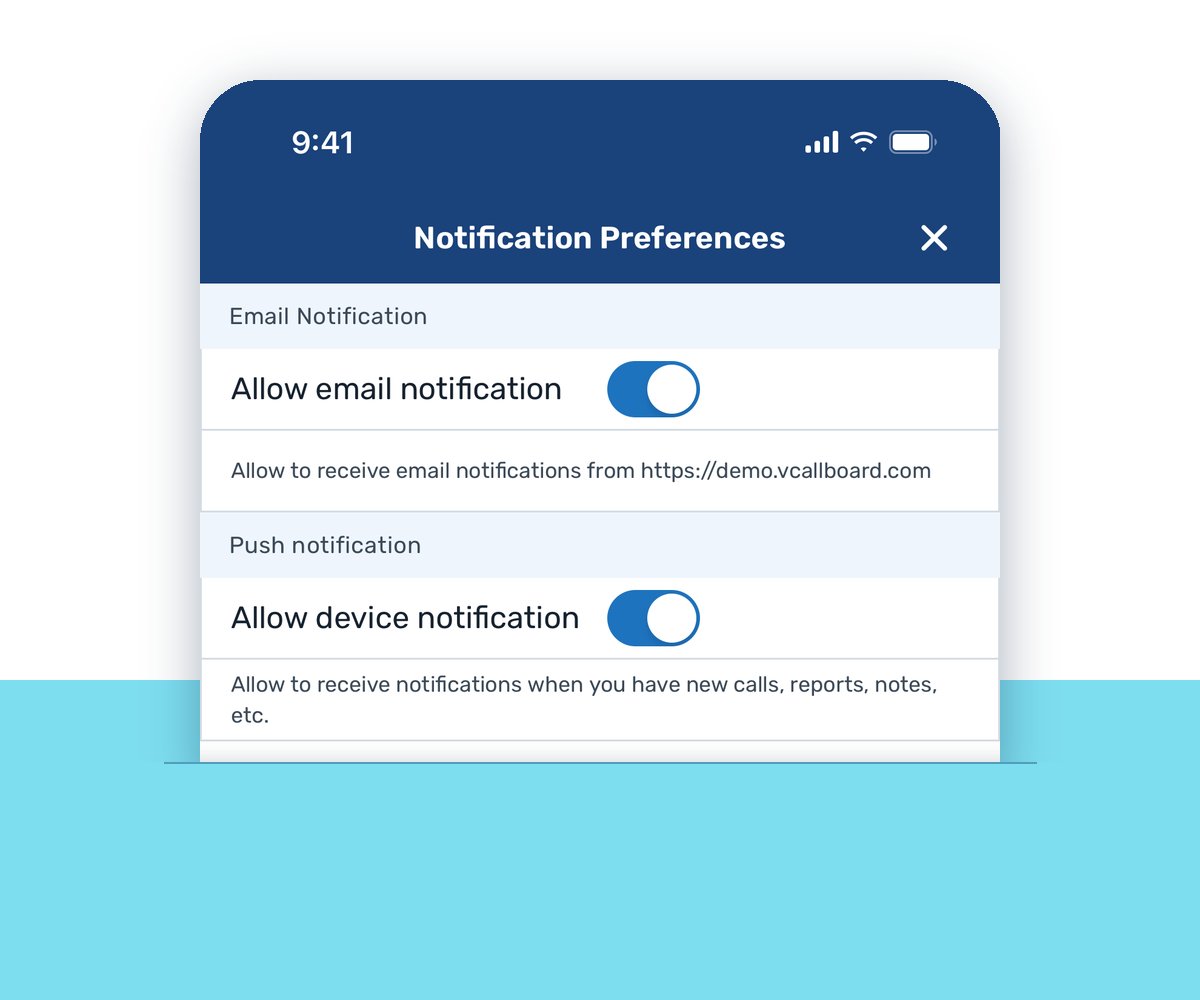
When a manager saves a call with Send Notification ticked, posts a note or makes an announcement, everyone signed in on the app gets a push notification, alongside email. Each person chooses, for each kind of notification, whether it reaches them by email, in the app, or by text with the TXT messaging add-on.
Before anything goes out, the form shows how many people it will reach by email, text and app, and who won’t get it. For the people who never install an app, TXT messaging sends the same updates as texts.
The app and the website, one callboard
The app is a companion to the website, not a replacement. VirtualCallboard runs in any web browser, phone included, with nothing to install, so nobody in your company is left out if they skip the app.
Both show the same account and the same productions. From the app you can update your profile basics, change your password and refresh your productions when you’re added to a new show. Anything the app doesn’t handle is on the website. New to the idea? Read what an online callboard is.
Good to know
iPhone and Android
The same app on both, from the App Store and Google Play.
Optional for everyone
The website works in any browser, so the app is a choice, not a requirement.
Notifications per kind
Each person picks which notifications reach their phone.
Feedback built in
Send Feedback in the app’s menu opens an email to our support team.
Questions
Does everyone have to install the app?
No. VirtualCallboard runs in any web browser, including on a phone, and the app is optional. People who skip it still get email, and texts if your site has the TXT messaging add-on.
Is there an Android version?
Yes. VirtualCallboard is on the App Store for iPhone and on Google Play for Android, and it works the same on both.
Can I choose what my phone gets notified about?
Yes. In My Account › Notifications, each kind of notification has its own Email, TXT and App box. Untick App for anything you’d rather not get on your phone.
What’s the difference between the app and the website?
They’re the same callboard. The app keeps calls, notes, reports and contacts on your phone with push notifications. The website is the full VirtualCallboard, and it’s where you go for anything the app doesn’t do.
How do I sign in to the app?
Enter your site name, the part of your callboard’s address before .vcallboard.com, then your usual username and password. Your administrator or your invitation email has the address.
If we have the app, do we need TXT messaging?
Not necessarily. The app sends push notifications to everyone who installs it. TXT messaging is an add-on for reaching the people who don’t.
VirtualCallboard is also built for stage managers, community theaters and touring productions.
More VirtualCallboard features
Theater Scheduling Software
Build calls by person or group, catch double-bookings and send everyone their own schedule.
Notes for Cast & Crew
Send notes to people or groups by email, app and text, the way each person chooses.
Cast and Crew Contact Sheets
An always-current contact sheet where each person decides which details the company sees.
Try it free for 30 days
Set up your next production in minutes, with unlimited users. See every feature or compare plans.