
Stage management software that keeps up with you
The daily call, rehearsal reports, notes and contact sheets shouldn’t live in five different places. VirtualCallboard keeps them in one secure online callboard, so you can spend rehearsal watching the work instead of chasing who saw the schedule.
Trusted by theaters, schools and arts organizations since 2006.
Rehearsal reports with the distribution list built in
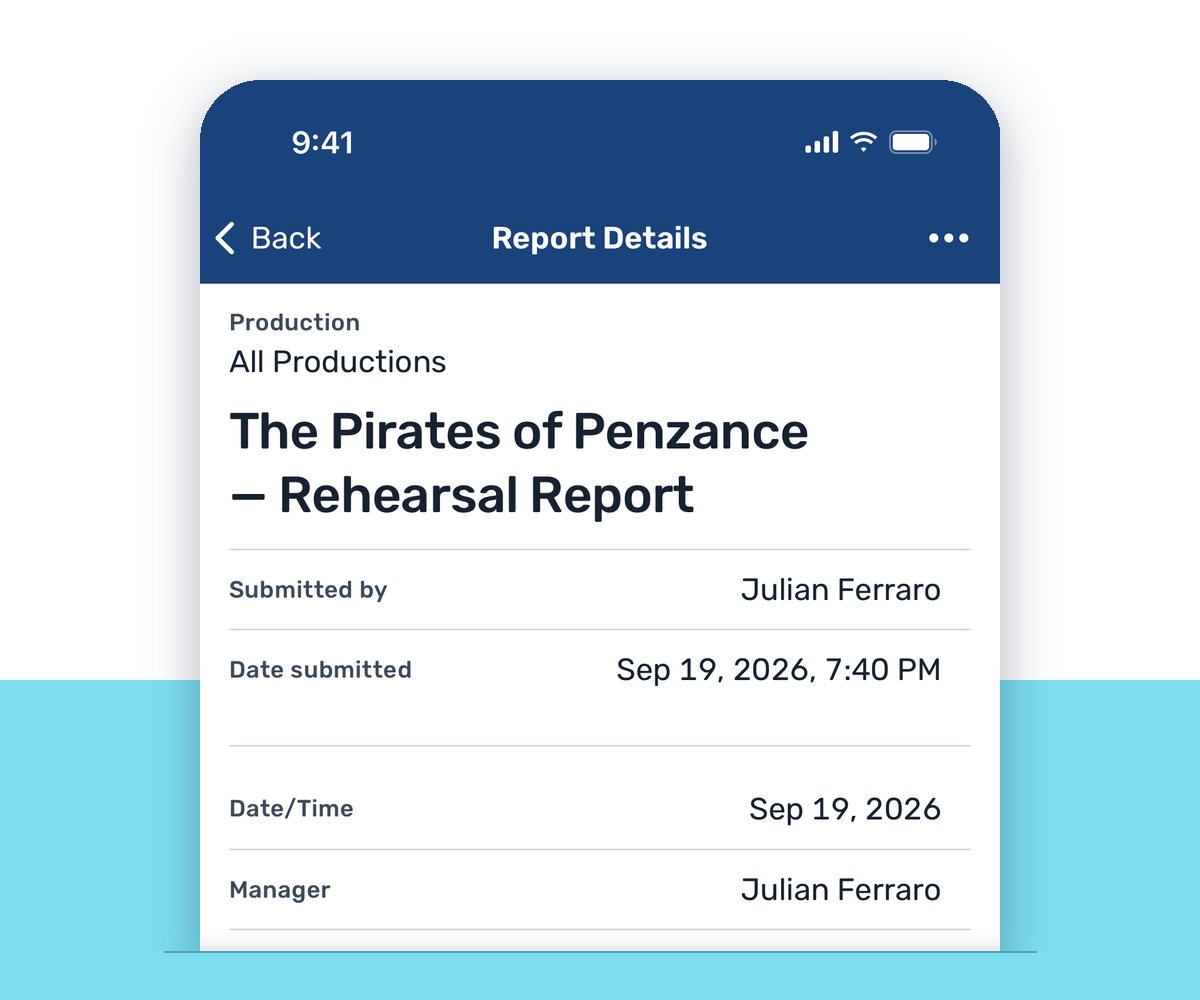
Build templates for rehearsal, performance and technical reports with your own fields, and choose who receives each one. File tonight’s report, save a draft or preview it, and it lands with everyone on the list. Catch a mistake after it’s sent? Edit it, and the revision goes out automatically.
Publish the daily call
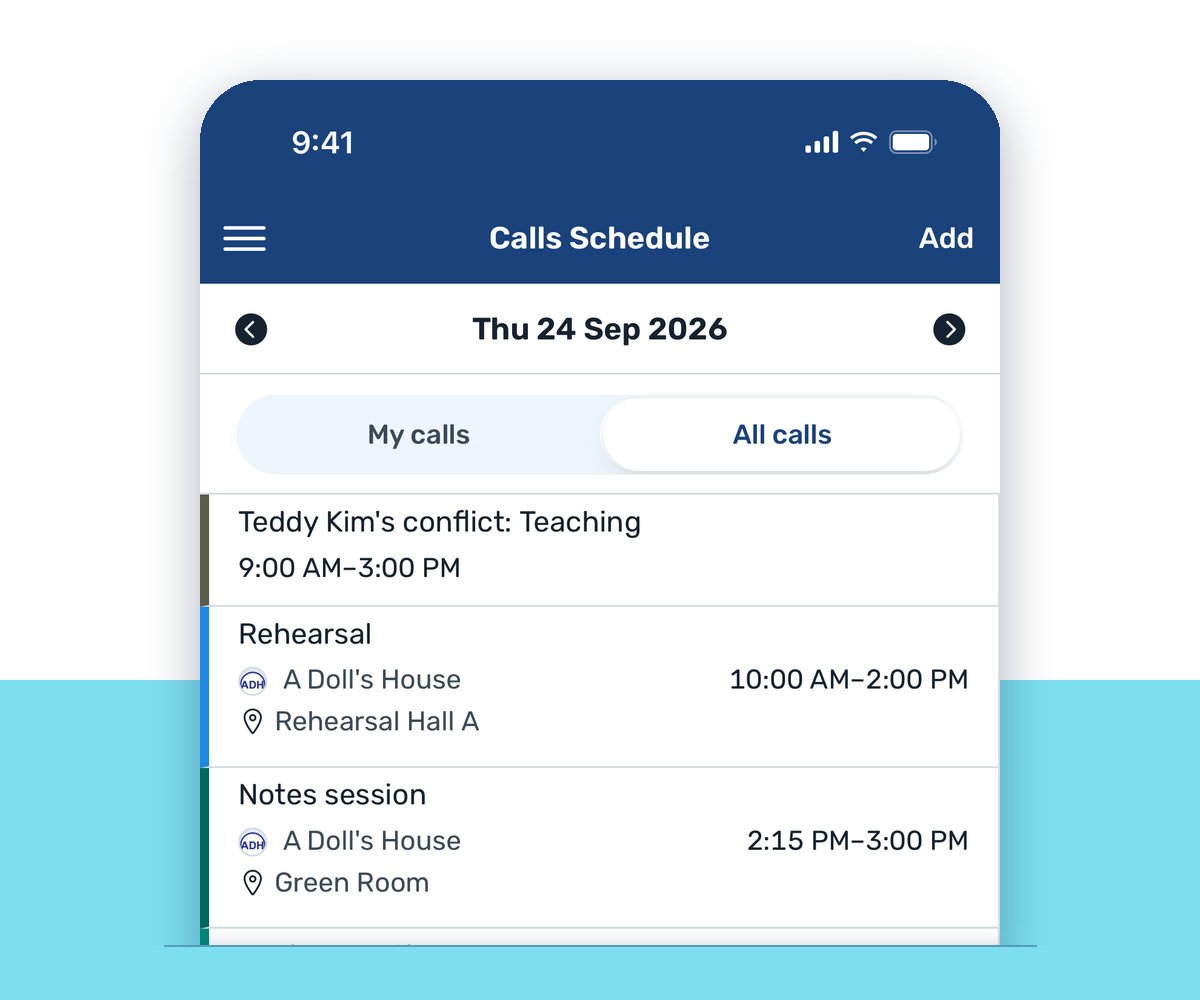
Build the day’s calls by group or by individual. VirtualCallboard flags double-booked people and spaces, crew can sign up for open calls, and everyone sees their own calls on any device, so the 10 out of 12 doesn’t start with a phone tree.
Know who the note will reach
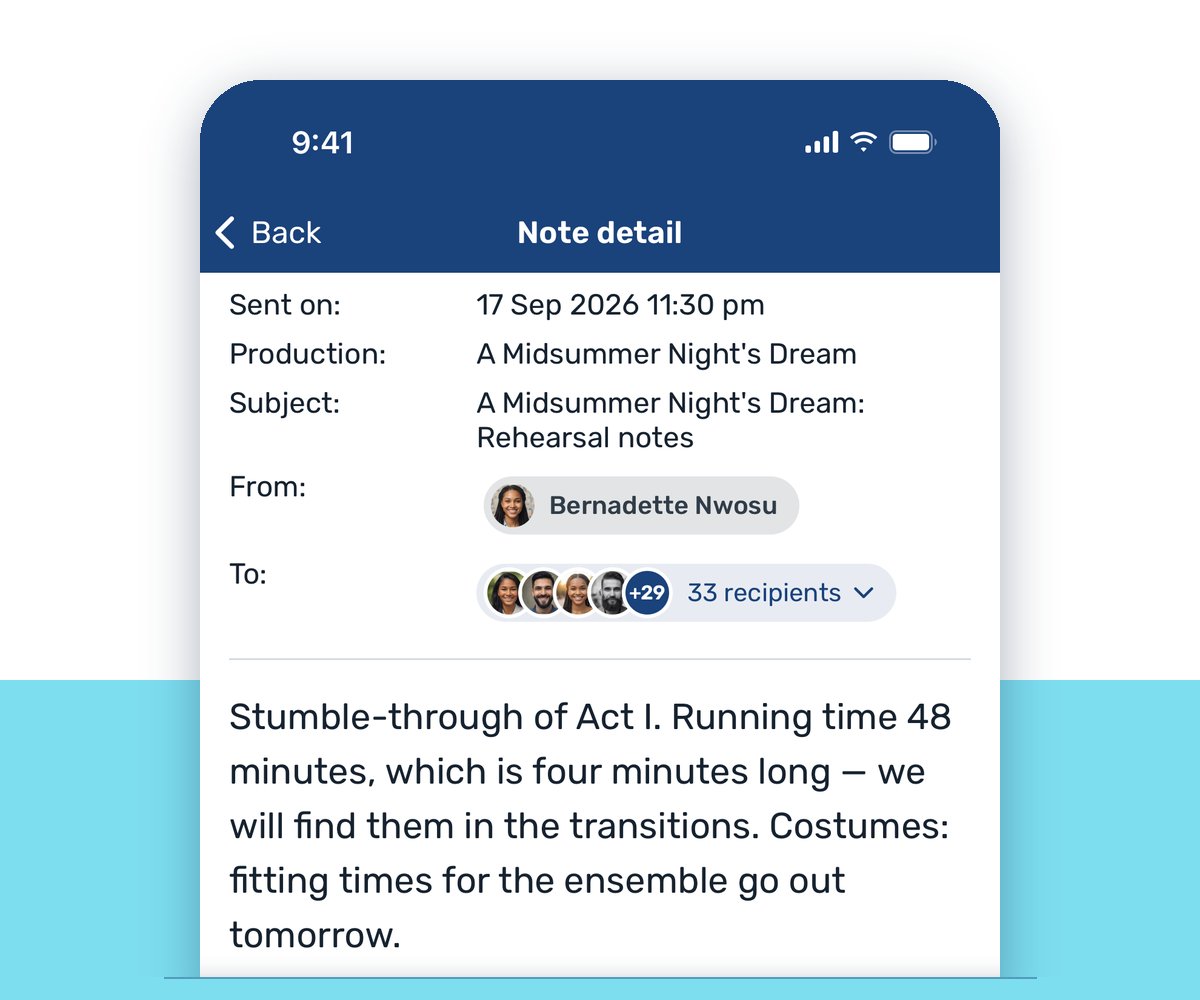
Send notes to individuals or groups, and see exactly who a note will reach, by email, app or text, before you send it. Your message isn’t lost in another group text.
The virtual callboard works with the one by the stage door
You don’t have to choose. Most companies still keep a callboard by the stage door, and plenty of actors check it before they check their phones. VirtualCallboard is built to work with it, not replace it: everything you publish online prints cleanly for the wall, and the work you do on paper or in a spreadsheet can still be entered into VirtualCallboard.
From VirtualCallboard to the wall
- The daily call and the week’s schedule, in printer-friendly calendar views
- Contact sheets built from the fields you choose
- Sign-in sheets for every rehearsal and performance
- Rehearsal, performance and technical reports
- Announcements and notes
Post it once online, print it, and pin it up. The wall and the website say the same thing.
From the wall to VirtualCallboard
- Take the signed sign-in sheet off the board and record it in the attendance module
- Work out the schedule on paper or in Excel, then post the calls in VirtualCallboard
- Turn a note scribbled on the board into a note that reaches the whole cast by email, app and text
- Upload the files you already have, like scripts, ground plans and prop lists, to the production’s files
Paperwork will always happen outside the system. It can still end up in it.
That’s why stage managers use VirtualCallboard to move a company off paper one step at a time. Put the daily call and the reports online while the board by the stage door keeps working, and let the company come along at its own pace.
From first rehearsal to closing
Prep
Build the company and the contact sheet, track availability and conflicts, and set up your report templates and distribution lists before first rehearsal. Upload the script, ground plans and paperwork so everyone starts from the same files.
Rehearsal
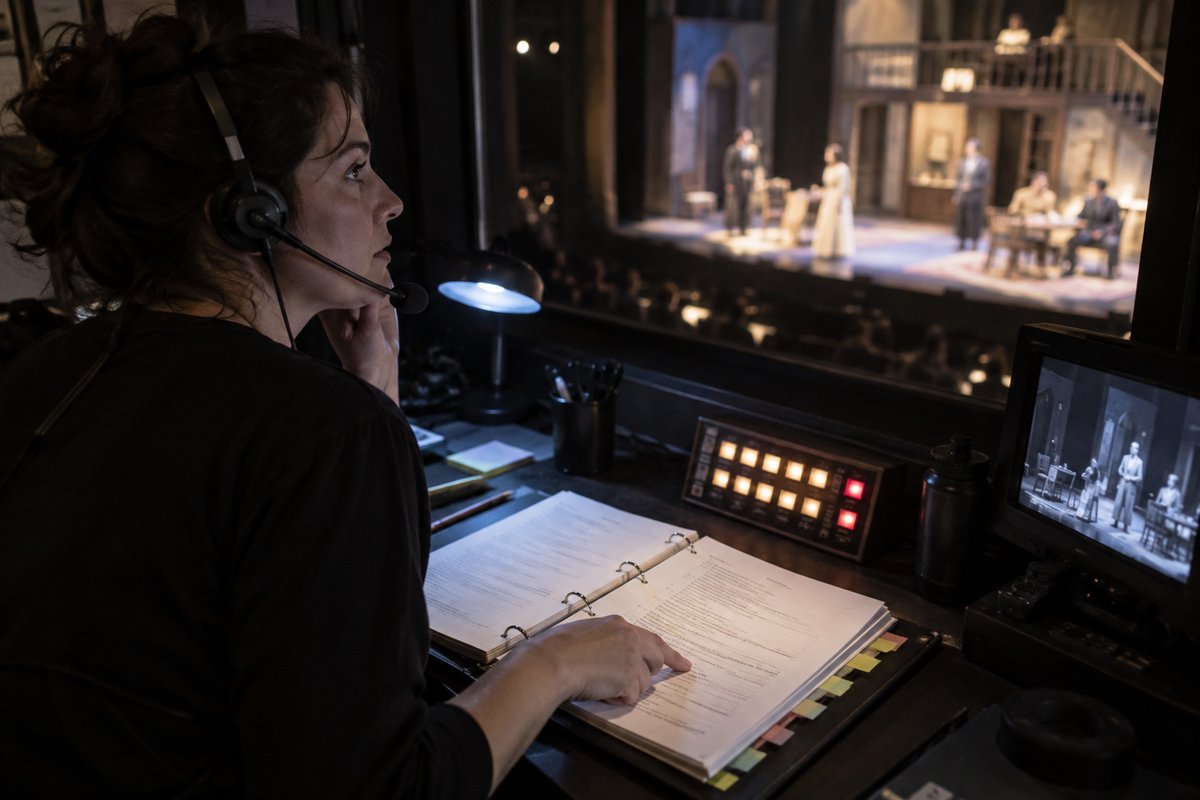
Publish the daily call, take sign-in, and file the rehearsal report at the end of the night. It reaches the director, designers and departments before breakfast.
Tech
Technical reports with their own fields go to every department. Notes reach designers and crew by email and app, and schedule changes go out by text (with the TXT messaging add-on) and push notification.
Run and closing
Performance reports after every show, attendance and weekly hours for the company, and announcements that expire on their own. When the show closes, the whole production goes into the archive, ready for the remount.
“This is a software that I have been trying to get companies to use for a long time, and I am thrilled that [they] agreed.”
Production stage manager, regional theater
Everything else in your SM kit
Sign-in and attendance
Take sign-in daily or per call, total each person’s weekly hours, and print attendance reports.
Discussions
Threaded discussions with file and image attachments, open only to the team members you choose.
File sharing
Upload files once and share them with a whole production or a single department, organized in folders.
Mobile apps
iPhone and Android apps put the schedule, notes, reports and contacts in everyone’s pocket.
Questions
Can my ASMs post calls and file reports?
Yes. User levels for each part of the system let you decide who can post, file and see private details.
Do I still need a physical callboard?
That’s up to your company. Everything in VirtualCallboard prints cleanly for the board by the stage door, and what happens on paper, like the signed sign-in sheet or a schedule worked out in Excel, can be entered into VirtualCallboard afterward, so you can run both side by side.
Can I use it as a freelance stage manager, or does the whole company need it?
Either. Individual plans let a stage manager run their own productions wherever they work, and organization plans cover a whole company. Every paid plan starts with a 30-day free trial.
Can I bring my existing paperwork with me?
Yes. Upload scripts, ground plans and forms to the production’s files, and build report templates with the fields you already use, so your rehearsal report looks like your rehearsal report.
Do actors have to log in to see their calls?
No. Notes and schedule changes go out by email and text message, and the iPhone and Android apps show each person their own calls. Anyone who prefers the board by the stage door can read the printed call there.
Is there a discount for theater professionals?
Yes. Members of AEA, USITT, IATSE and similar organizations save 10% on an individual plan, students save 50%, and registered nonprofits save 10% on an organization plan. See pricing.
Do we pay per person?
No. There are no per-seat fees on any plan. VirtualCallboard includes unlimited users in any role, so your whole cast, crew and staff can join.
Does it work on phones?
Yes. iPhone and Android apps put the schedule, notes, reports and contacts in everyone’s pocket.
VirtualCallboard is also built for production managers, professional theaters, rehearsal scheduling.
Comparing options? Read our guide to choosing stage management software.
Try it free for 30 days
Set up your next production today. See every feature or compare plans.