
VirtualCallboard feature
File tonight’s report. It’s read by breakfast.
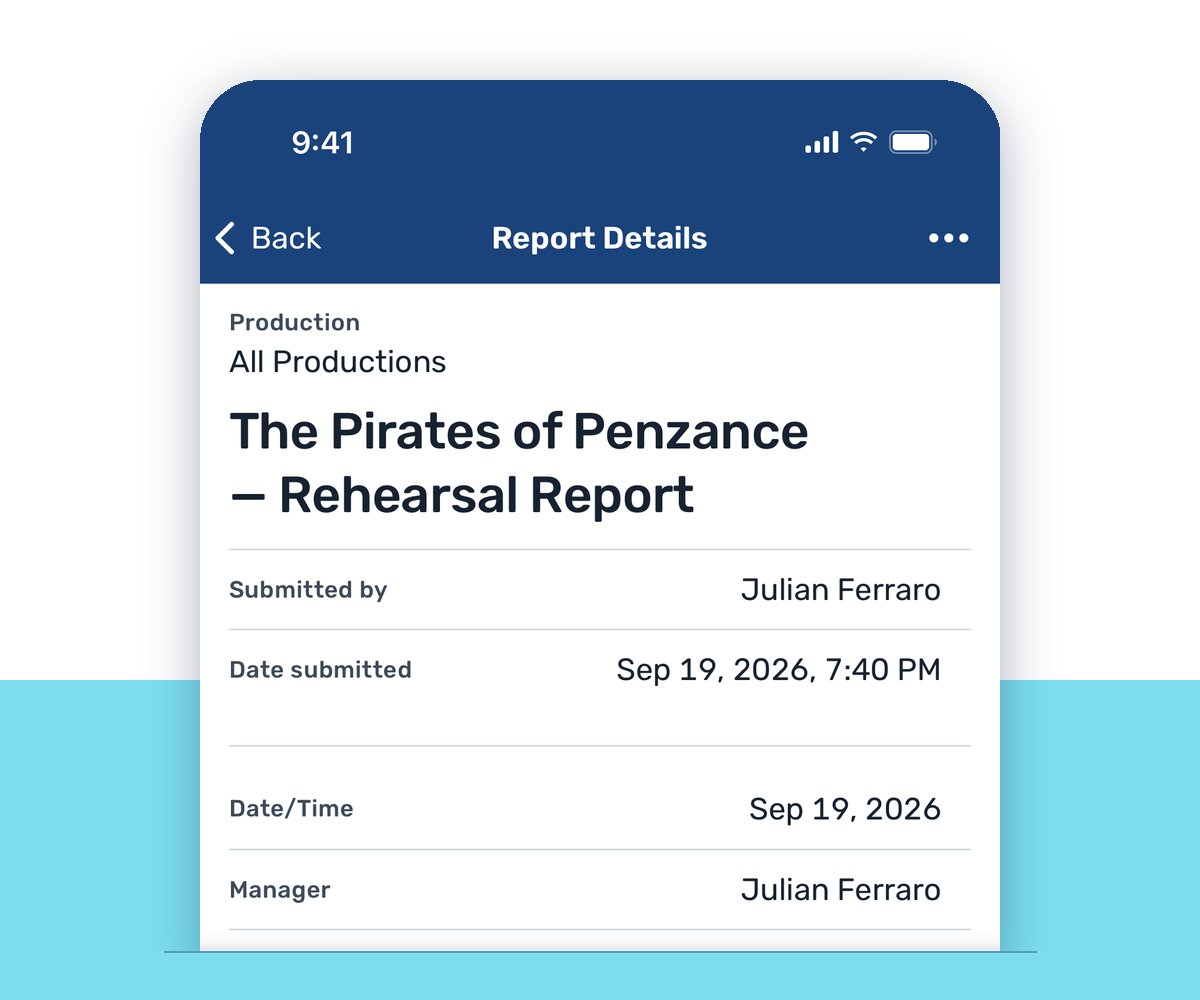
Rehearsal’s over, your notes are in the margins of the script, and the designers need them before they start work tomorrow. VirtualCallboard gives every production a report template with the fields you actually use. Fill it in, preview it and send it to the whole distribution list at once.
Trusted by theaters, schools and arts organizations since 2006.
How it works
1. Set up your template
Turn on the standard fields you need, like date, space, run times and house count, and add your own departments, such as Costumes, Sound or Props.
2. File the report
Fill it in after rehearsal or the show. Save a draft if you need to finish later, then preview it and send.
3. Everyone gets it their way
Each person on the template’s list gets the report by email, app notification or, with the TXT messaging add-on, a text.
A template for every kind of report
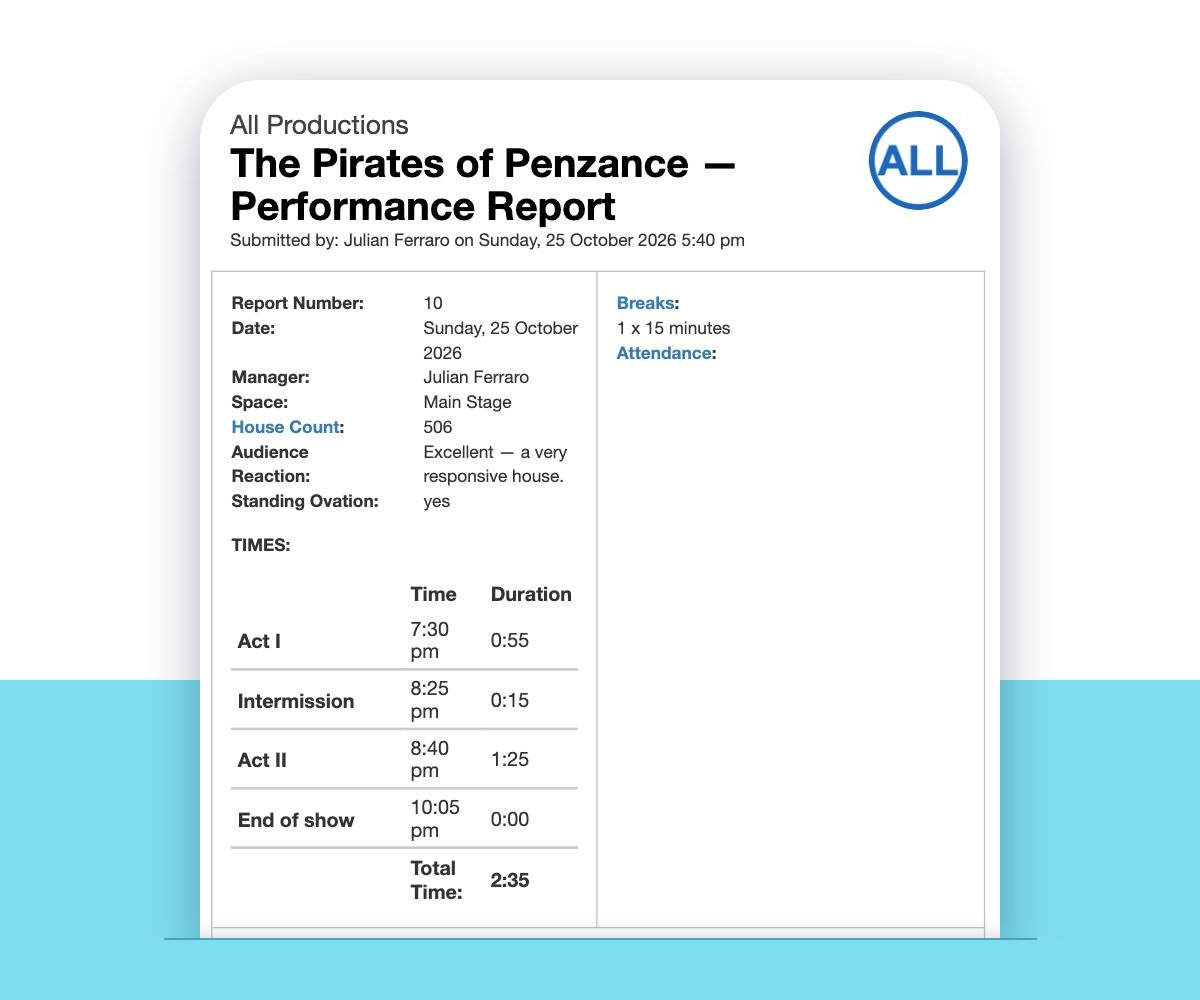
Create as many report templates as you need, each with its own fields: one for rehearsal reports, one for performance reports, one for tech. The standard fields keep their names. Run times, departments and other fields take whatever titles your production uses.
Reports aren’t only for the stage manager, either. A template can cover daily work calls, a production meeting, a department meeting or the box office count.
Tip: changing a template changes every report already filed on it. Once filing has started, copy the template and adjust the copy instead.
The right people, and only them
Each template has its own distribution list. Add whole groups, such as the design team or the cast, or individual people. Someone who’s in two groups still gets one copy.
You also choose who can file. Add your ASM so either of you can send tonight’s report, while everyone else simply reads it.
A report is visible only to the people it’s sent to. Administrators aren’t on the list unless someone adds them. When a recipient comments on a report, the others on it are told, so a question from lighting doesn’t sit unanswered. With the TXT messaging add-on, new reports and comments can arrive by text.
Fix it, resend it, track the house
Spotted a typo or a wrong cue number after you hit send? Edit the filed report and choose whether to send the corrected version to everyone or save it quietly. A revised report sent by text starts with “Revised report:” so nobody mixes up the two.
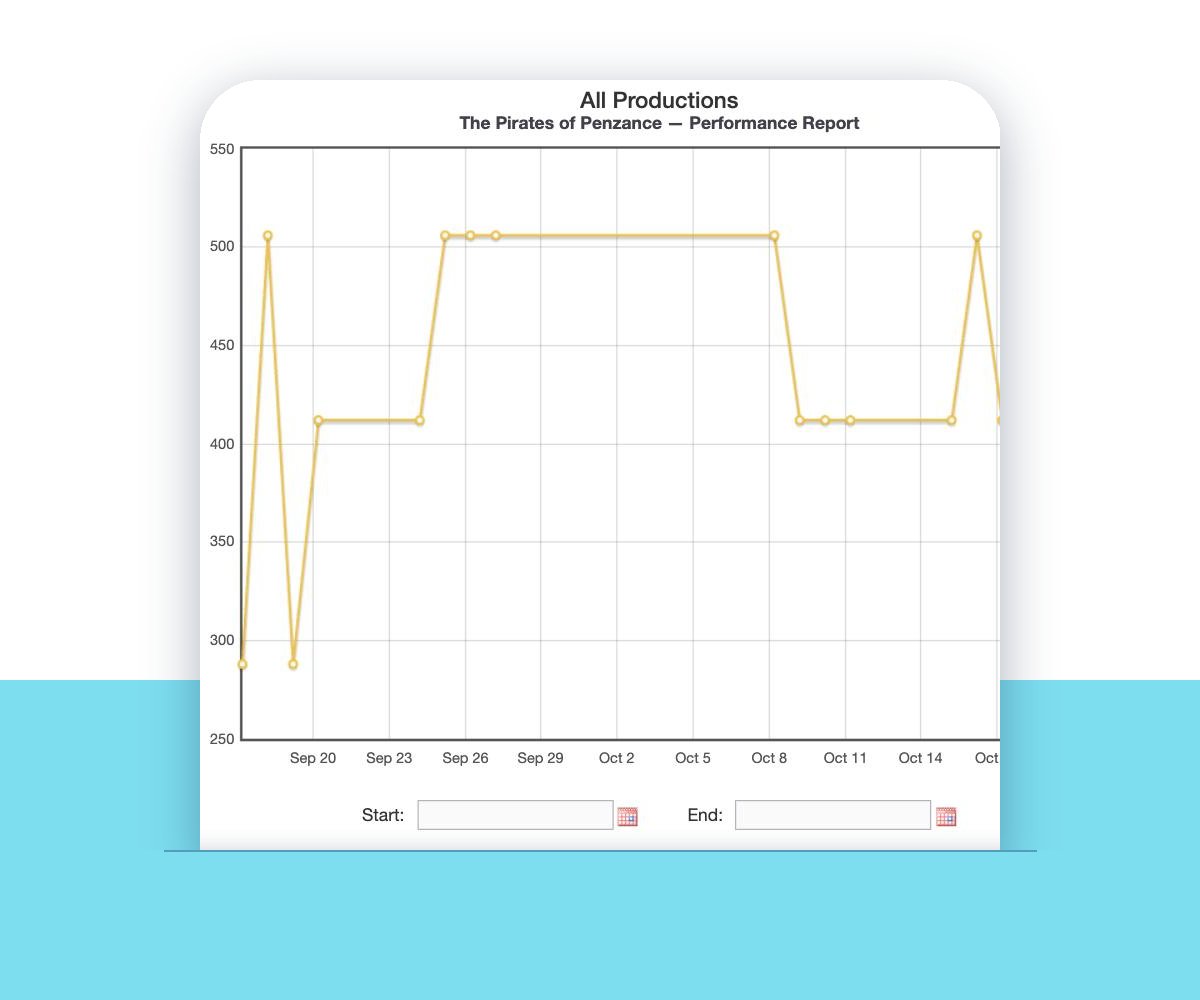
If your performance report template includes House Count, open any filed report to see a graph and list of the count from every report on that template, with a total. Narrow the graph to a run or a season, or print it for the production meeting.
Good to know
Drafts
Save a report as a draft and come back to it from the Drafts tab before you send.
Reports on the app
Cast and crew can read reports in the VirtualCallboard iPhone and Android apps.
Kept with the show
Archive a production and its reports stay viewable for next season’s planning.
Your time format
Reports show times in your site’s 12- or 24-hour clock.
Questions
Can I use my own rehearsal report template?
Yes. You choose which standard fields to include and name your own departments and fields, so the report matches the one you’d write by hand. You can create as many templates as you need.
Does it handle performance and tech reports too?
Yes. Give each one its own template with its own fields and distribution list. Templates also work for production meetings, work calls or a box office report.
What if I find a mistake after the report goes out?
Edit the filed report at any time. You can send the corrected version to everyone on the list or save the fix without sending anything.
Can my ASM file the report?
Yes. Each template has its own list of people who can file it, so your ASM can send it on a night you’re calling the show.
Who can see our reports?
Only the people on that template’s distribution list. Administrators don’t see every report by default.
Can the designers respond to a report?
Yes. Recipients can comment on a report, and the other people on it are told about the comment.
VirtualCallboard is also built for stage managers, production managers and professional theaters.
More VirtualCallboard features
Notes for Cast & Crew
Send notes to people or groups by email, app and text, the way each person chooses.
Attendance & Sign-In Sheets
Print a sign-in sheet, mark who was late or excused, and total everyone’s hours.
Stage Management App for iPhone & Android
iPhone and Android apps with the schedule, notes and push notifications in everyone’s pocket.
Try it free for 30 days
Set up your next production in minutes, with unlimited users. See every feature or compare plans.